

Here's how to tweak the design settings for your world:
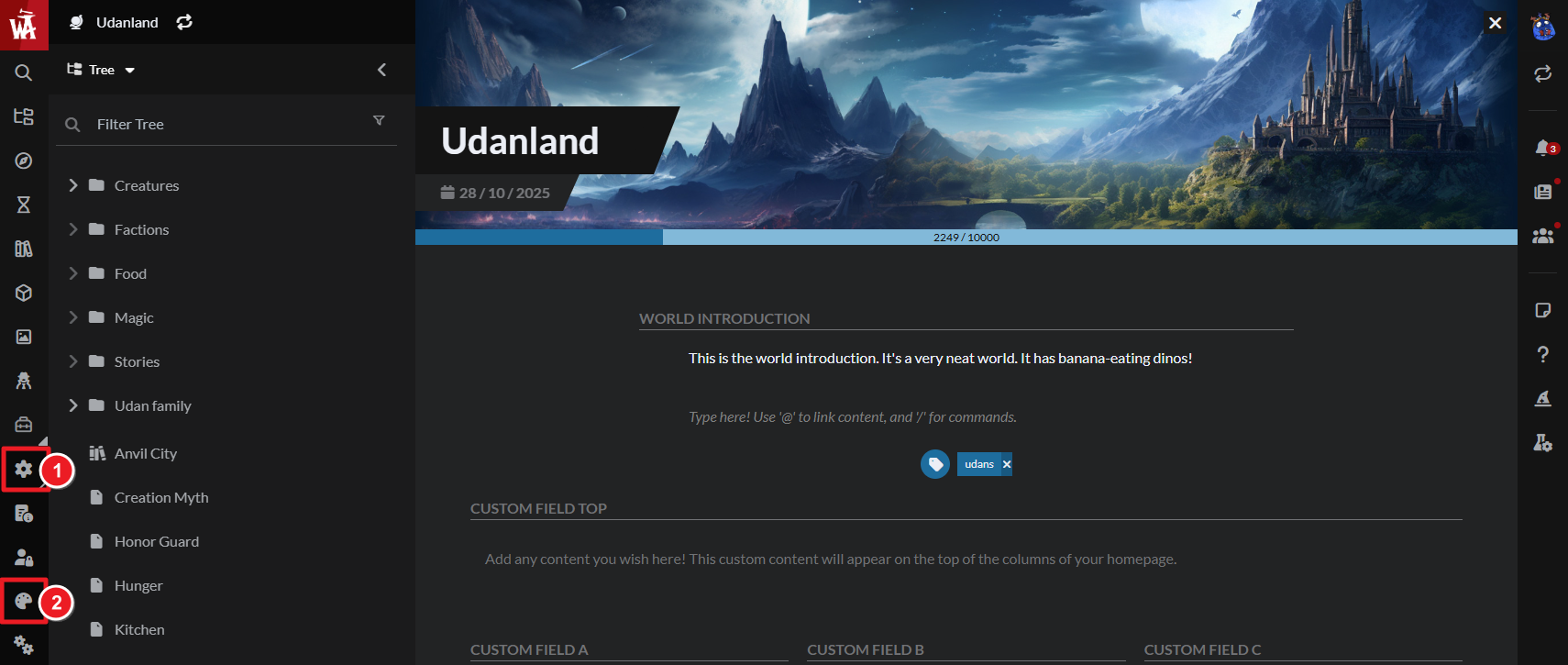
- On the left sidebar, click the gear icon to expand the different configuration options.
- Click the art palette to access the styling settings.
- You'll be able to configure your world style and design from there.
Check the workflow for styling your world for more information.